





VGKPAY IS YOUR KEY TO THE FORTRESS
VGKPay presented by America First Credit Union provides a seamless way for fans to pay for concessions and team apparel in one centralized wallet experience.
VGKPay is available to fans using the Official Vegas Golden Knights Mobile App at T-Mobile Arena concessions and retail locations and The Arsenal team store at City National Arena.
VGKPay is only accepted at Vegas Golden Knights games at T-Mobile Arena.
Some restrictions may apply based on credits or discounts.
Please see Terms of Use and Privacy Policy for more information.
Step 1
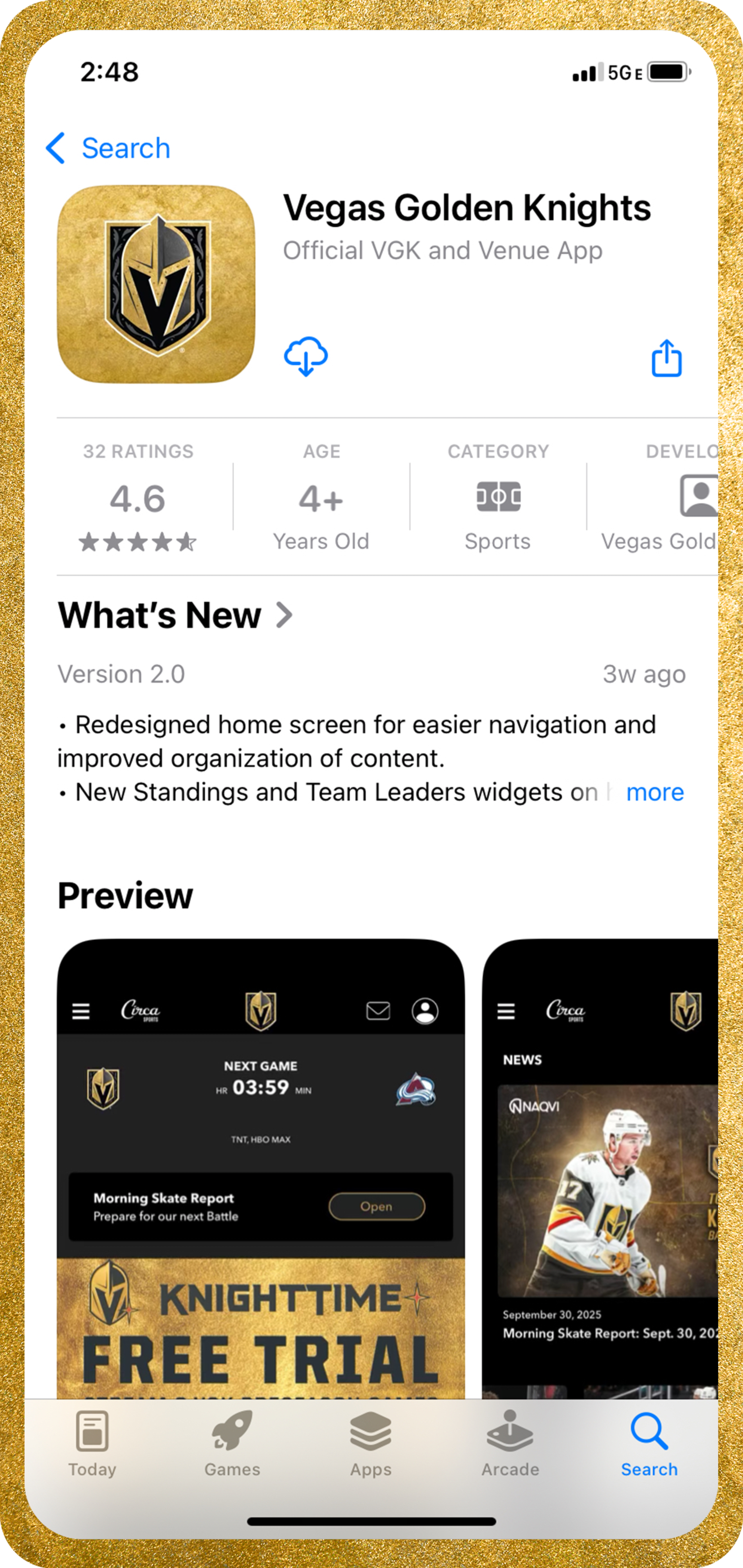
Open or download the Official VGK Mobile App.

Step 2
To access your VGKPay wallet, click the ticket icon in the lower right-hand corner of the home screen. Select “VGKPay” from the menu list. Create or sign into you VGK App account on the next screen.
Step 3
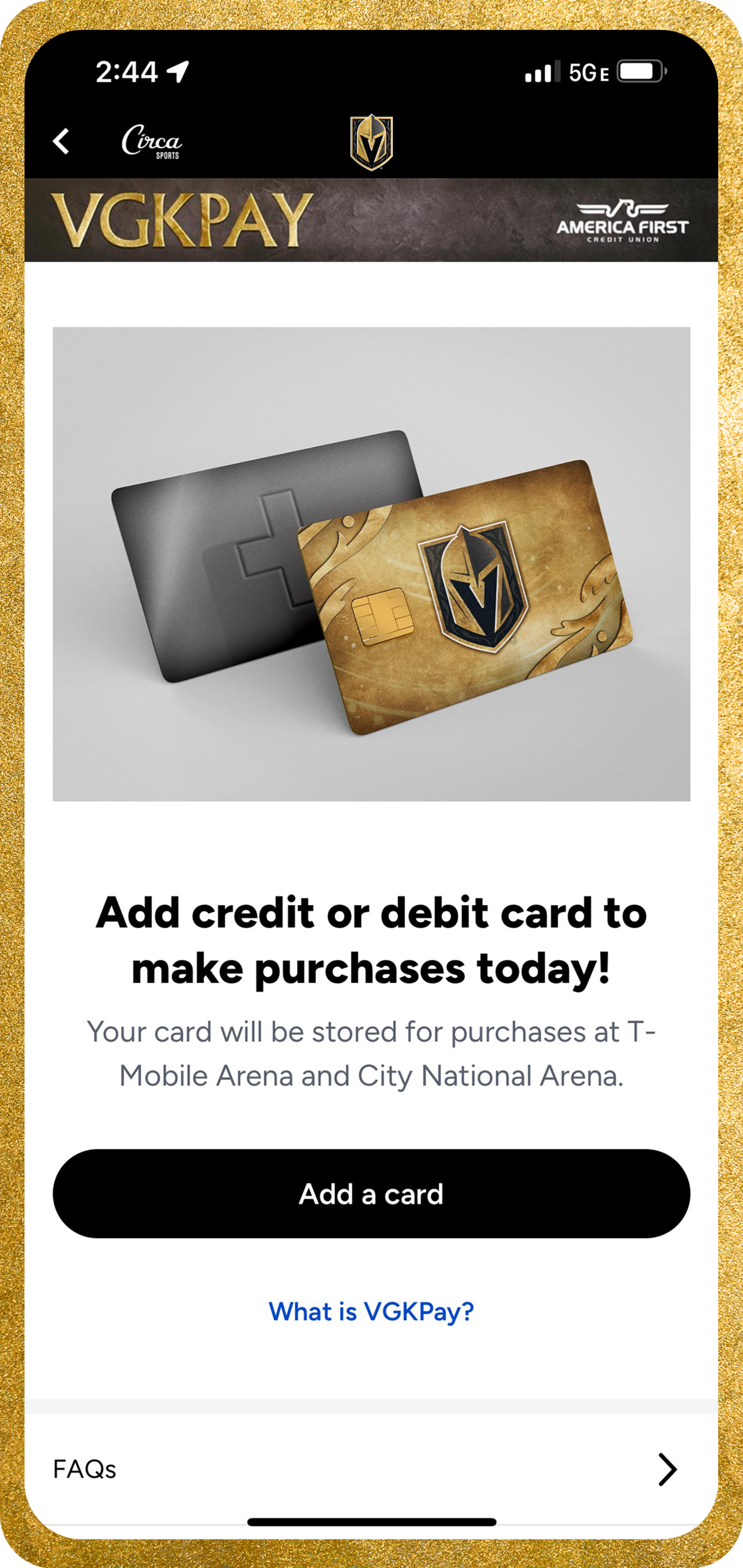
If you do not have a card saved on file, add a credit or debit card to save your payment method. Once you have a payment method on file your wallet is ready to use!
Step 4
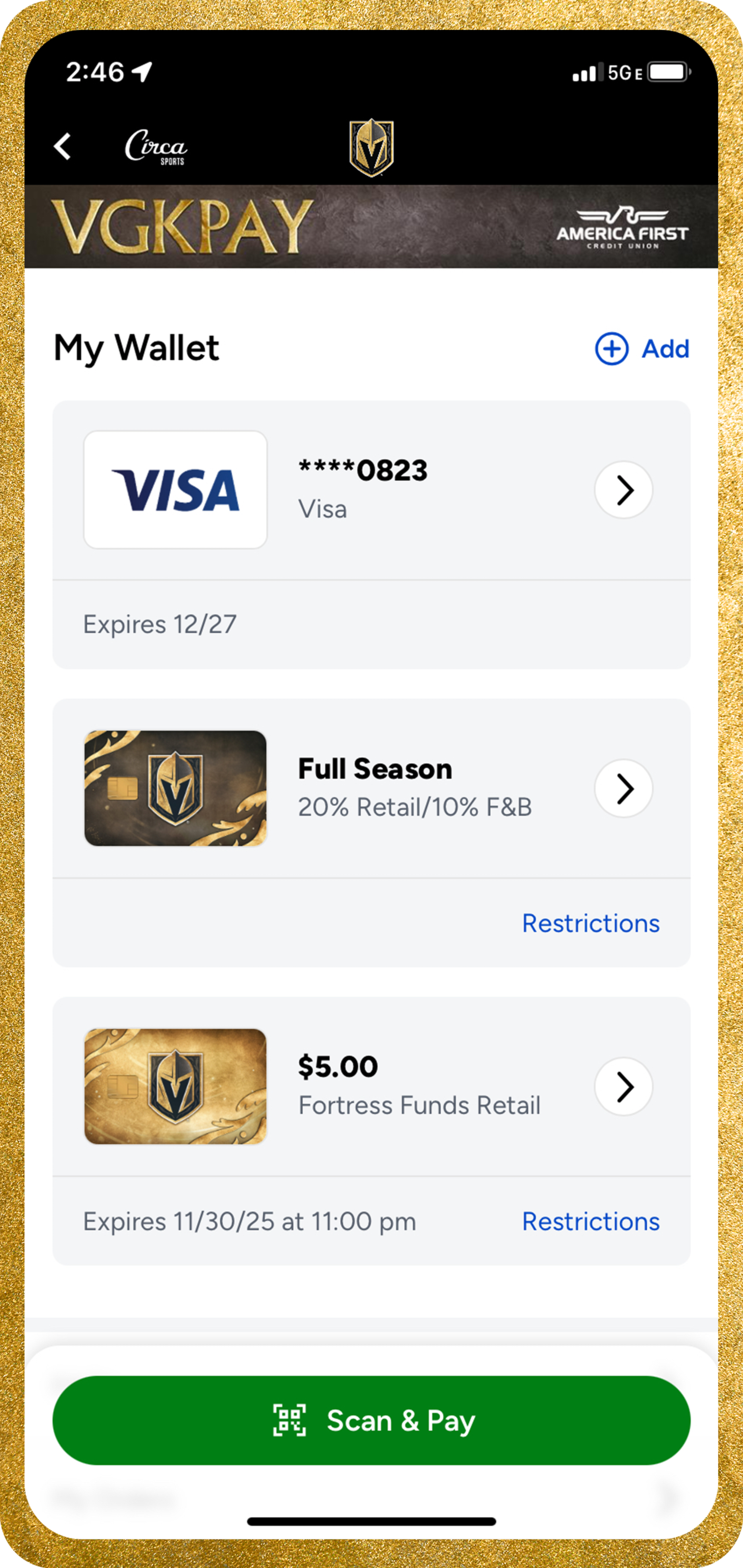
Select “Scan & Pay” to present or scan a unique QR code that includes your payment card and any applicable loaded value or discounts for concessions and merchandise purchases at T-Mobile Arena or The Arsenal.

Step 5
Earn Fortress Funds when you pay with a saved credit or debit card using VGKPay! Spend $50, earn $5 Fortress Funds to be redeemed on future retail or concessions purchases.
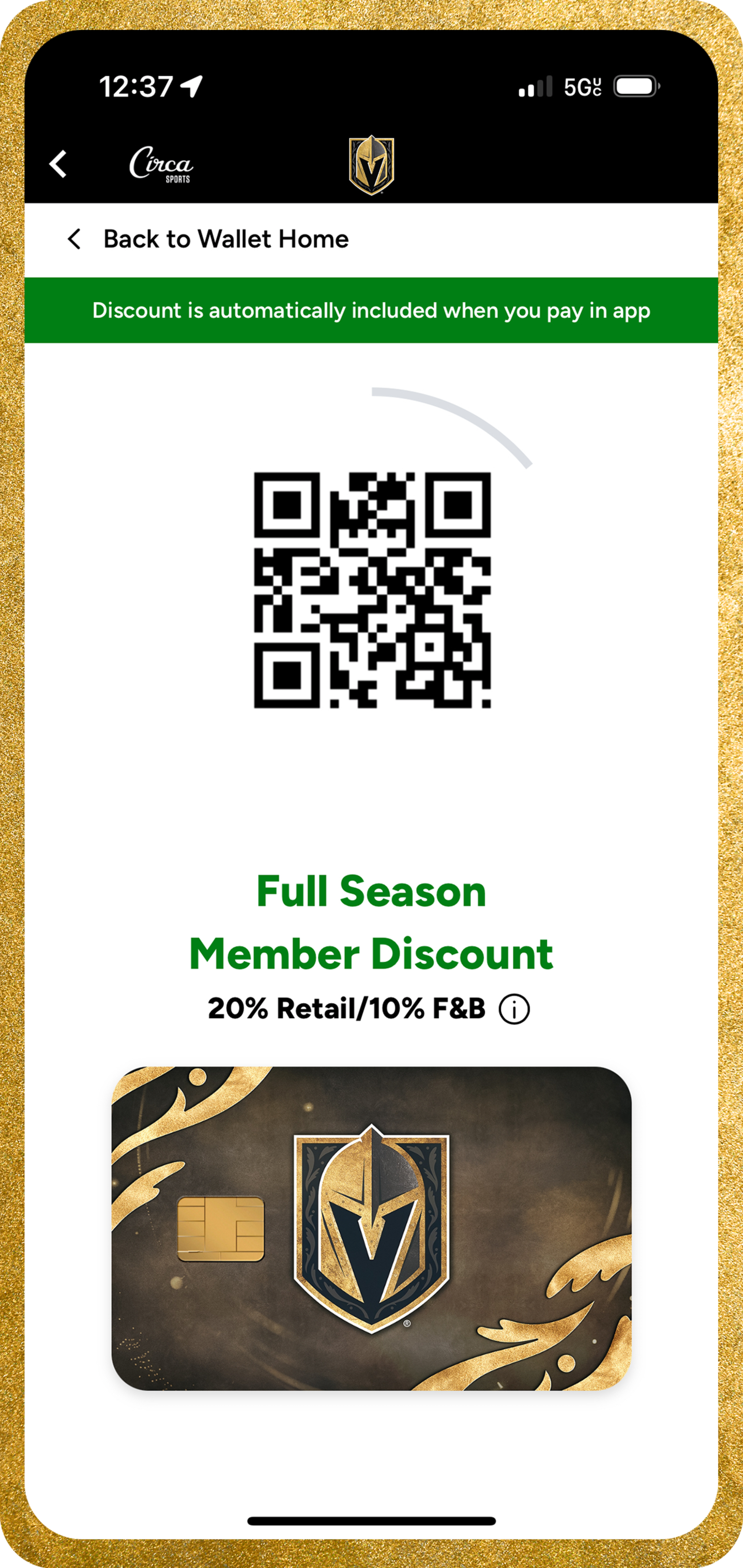
Step 6
To use an applicable discount by itself, select the benefit card to present or scan only that QR code.
Frequently Asked Questions